Best Mortgage Broker CRM in the UK
The UK mortgage CRMs that actually matter, compared by a working broker. What to look for, what's overrated, and why your network might pick for you.

What should a mortgage broker CRM actually do?
When you're running a small brokerage, you're checking data constantly: compliance, CPD, case progress, commissions. A good CRM puts all of that in one place so you're not logging into four different systems every morning.
The non-negotiables are:
- Client and case management. Every client, every case, every document, every note. Searchable, filterable, and not buried in a spreadsheet.
- Compliance tracking. Case file checklists, suitability letter templates, audit trails. Your compliance manager needs access to check cases. If the CRM doesn't support this, you'll be emailing files back and forth.
- Sourcing integration. The ability to search lender products, run affordability and criteria checks without leaving the CRM. Switching between a CRM and a separate sourcing tool wastes time and creates version-control headaches.
- Pipeline visibility. Where is every case right now? Submitted, offered, completing this week? You need to see this at a glance, not dig through individual records.
- Commission tracking. What's been paid, what's outstanding, what's due. If you're running a firm with multiple brokers, this is the bit that falls apart first without a proper system.
Beyond those, things like automated client updates, document upload portals and e-signatures are nice to have. But get the five above right and everything else is a bonus.
AR vs DA: who actually picks your CRM?
This is the question that most CRM comparison articles skip entirely, and it's the one that matters most for the majority of UK brokers.
If you're an appointed representative (AR) under a network, you're tied to their system. That's the deal. Your compliance team, your case checker, your commission reports all live inside the network's CRM. You don't get to swap it out for something you prefer.
That's good in one way: you don't have to spend weeks evaluating and trialling different platforms. The decision is made. But if you join a network and find that their CRM doesn't suit how you work, that's a friction point from day one that never goes away. It's worth asking for a demo of the CRM before you sign with a network, not after.
If you're directly authorised (DA), you get to choose. That freedom is one of the genuine advantages of the DA route. You pick the CRM that fits your firm, your workflow and your budget. The trade-off is that you pay for it yourself, and you're responsible for making sure it meets FCA record-keeping requirements.
For a fuller comparison of going DA versus joining a network, I covered that in mortgage networks and clubs UK.
The UK mortgage CRMs worth knowing about
These are the platforms I hear brokers mention most, whether they chose them or inherited them through a network. I haven't used every one personally, so where I have first-hand experience I'll say so, and where I'm going on what I've seen and heard from other brokers I'll say that too.
Smartr365
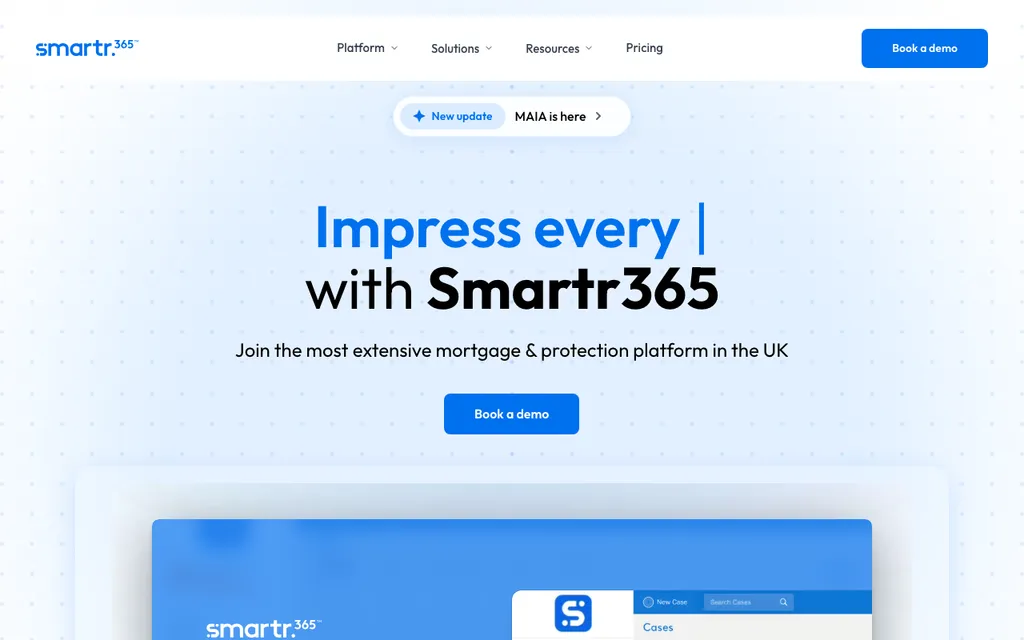
If I wasn't tied to my network's system, this is the one I'd pick. Smartr365 feels like it was built by people who actually sat in a broker's chair. Client onboarding, compliance, lender submissions and document management are all in one place. It's clean, it makes sense, and brokers I know who use it tend to like it. Used by thousands of advisers across the UK.
Mortgage Brain
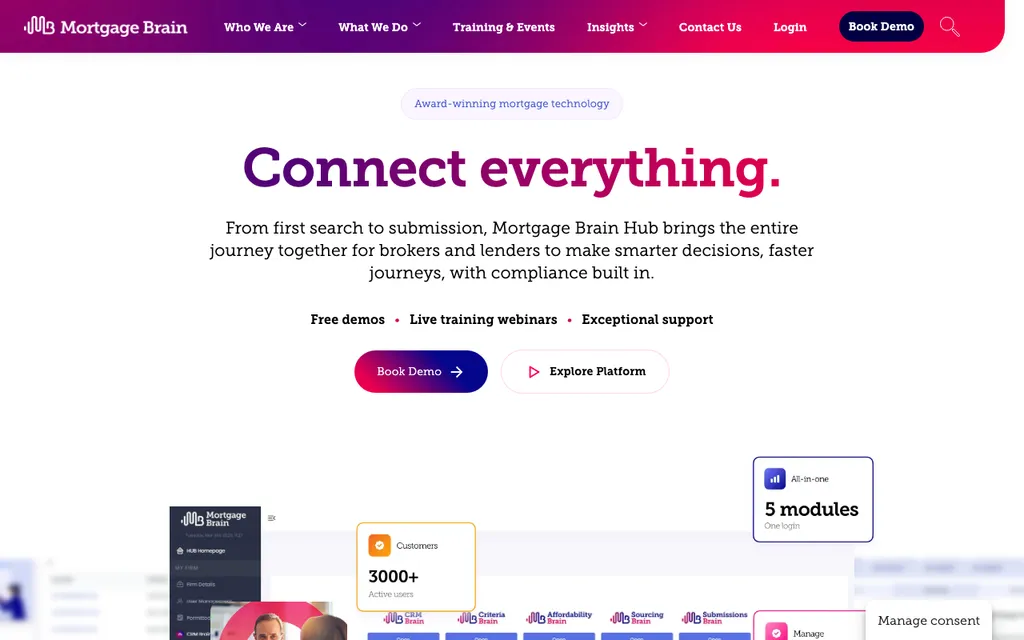
One of the longest-established platforms in the UK market. Mortgage Brain Hub brings together sourcing, criteria, affordability, CRM and submissions under a single login. It's widely used, particularly through networks that bundle it. The interface isn't the most modern, but it's deep and covers a lot of ground. If your network provides it, you'll have everything you need.
Acre
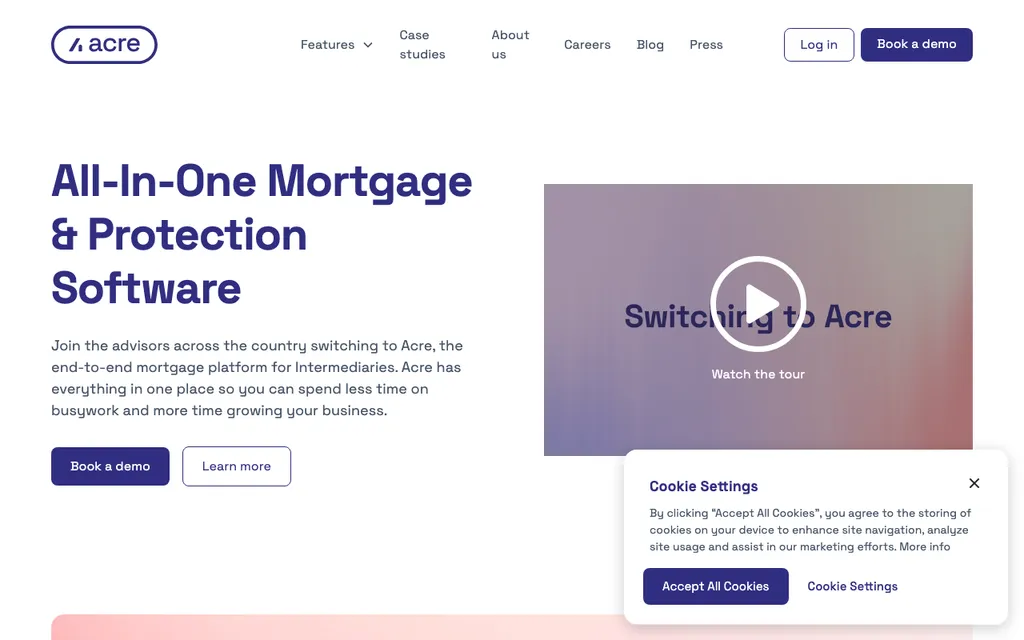
The fastest-growing mortgage broker software in the UK right now. Acre is purpose-built for brokers and covers the full workflow from fact find to completion. Modern interface, good integrations, and popular with firms that want something newer. Worth a trial if you're DA and shopping around.
Twenty7tec
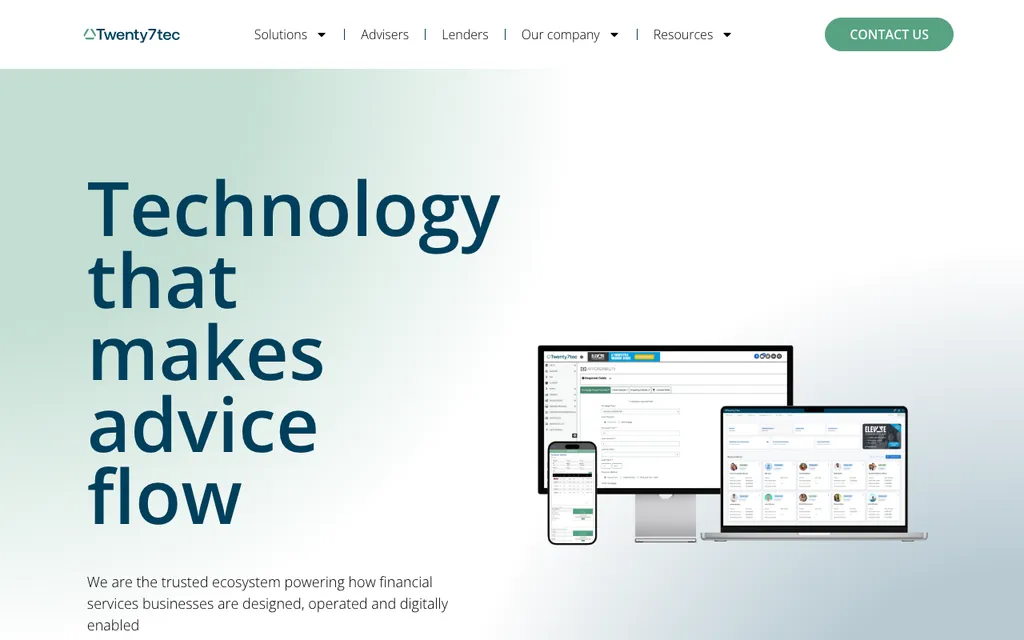
Primarily a sourcing system, but it includes CRM capabilities and a lot of independent brokers use it as their main tool. Strong on product searches and criteria. If sourcing is the core of your workflow and you want everything in one platform, Twenty7tec does that well.
Adviser IQ
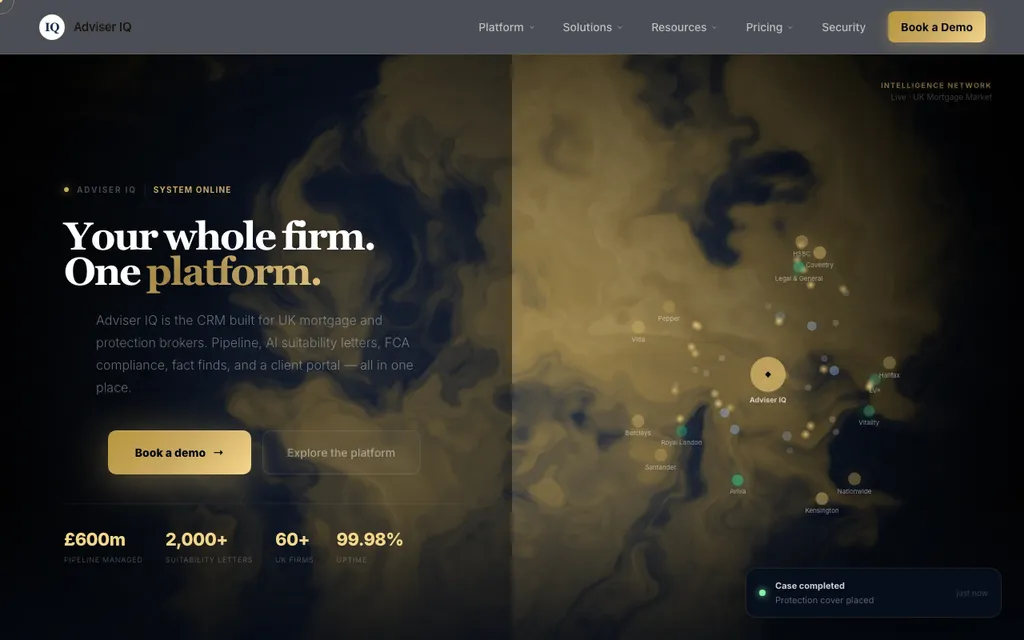
Scores well on compliance automation and protection tracking. Has AI-powered features for suitability letters and compliance checking. It's newer than some of the others and positioning itself as the modern option. Worth looking at if compliance admin is the pain point you most want to solve.
360 Lifecycle
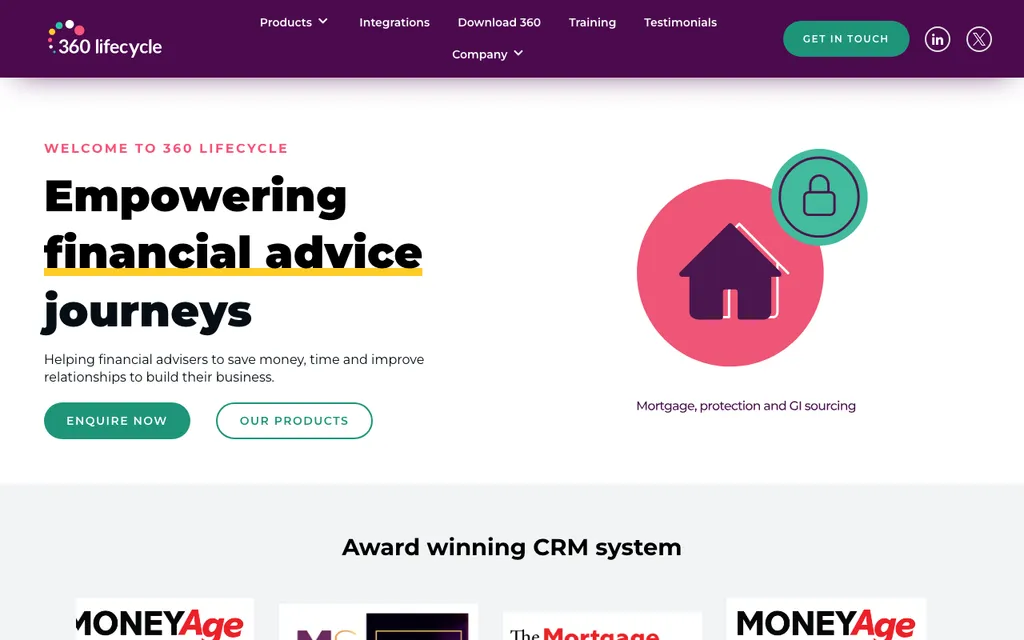
An end-to-end practice management system that covers mortgages and insurance. Popular with firms that also do general insurance or protection-only work. Decent pipeline management and client communication tools. Good entry-level pricing.
FLG
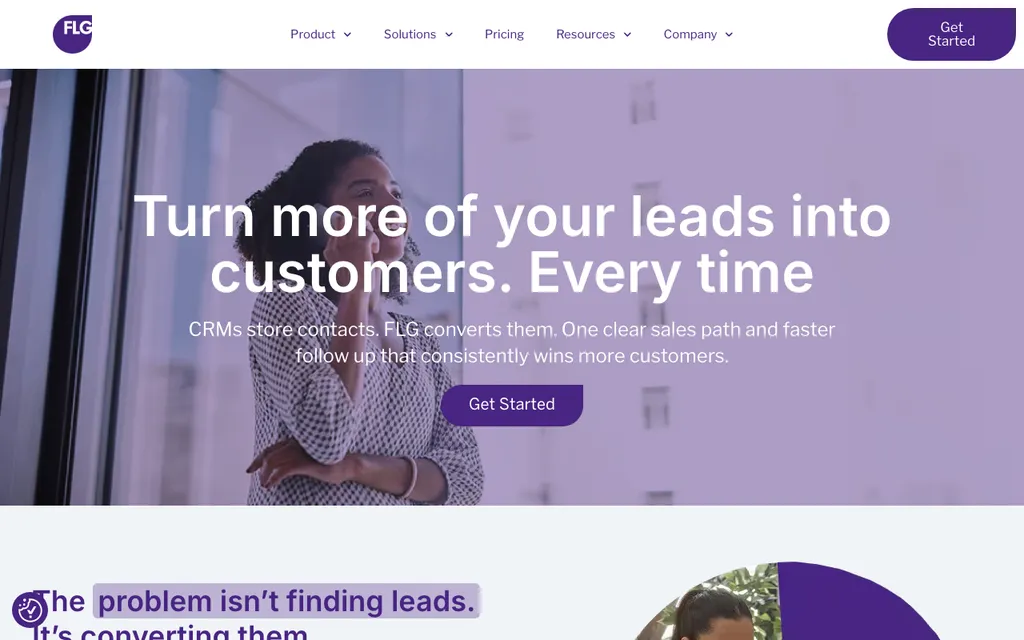
Lead management focused. FLG is trusted by hundreds of financial advice firms for managing enquiry flow and automating client touchpoints. Less of a full CRM and more of a lead-and-pipeline tool. Works well layered on top of another system if lead management is your weak spot.
Network-specific CRMs
HL Partnership, Openwork (Unipass), Primis, Stonebridge and others all have their own systems. These vary hugely in quality. Some are excellent, some feel like they were built in 2012 and haven't been updated since. If you're considering joining a network, get a proper demo of their CRM before you commit. You'll be living in it every day.
What I actually use (and what I'd choose)
I'm an appointed representative under HL Partnership, so I use their CRM. It's good. It covers compliance, case management, commissions and sourcing in one system. My compliance manager and case checker all have access, which is exactly how it should work.
I do have the option to run a separate standalone CRM alongside it for client data, but honestly I don't need to. The system does enough that adding another tool would just mean maintaining two places instead of one.
All of my brokers use the same system. That's a restriction of being under a network, but it's also an advantage: everyone is on the same page, compliance can check any file instantly, and commission tracking is centralised. If every broker in the firm was on a different CRM, that would be a nightmare to manage.
If I were directly authorised and picking from scratch, I'd go with Smartr365. It and HL Partnership's system are the two I've seen that genuinely feel like they were designed with the broker's day in mind. Too many CRMs are built by IT teams who've never sat through a fact find or chased a lender for an offer.
What matters more than features
Most CRM comparison posts list features in a table and leave you to count the ticks. That's the wrong way to choose. Every platform on this page has roughly the right feature set. The differences that actually affect your working day are subtler than that.
- One login, one screen. If you're bouncing between a CRM, a separate sourcing tool, a compliance portal and a commission spreadsheet, you've already lost. The whole point is one place for everything.
- Built by people who understand broking. You can tell within five minutes of using a system whether the people who built it have ever processed a mortgage case. The good ones feel intuitive. The bad ones feel like someone read a spec document and guessed.
- Your compliance team can use it. If your case checker and compliance manager can't access files, run checks and sign off cases inside the CRM, it's not doing its job. This is non-negotiable for a firm with more than one adviser.
- It doesn't fight your workflow. A CRM that forces you to fill in twelve fields before you can log a phone call will get ignored. The best systems bend to how you actually work, not the other way around.
Previously I tried mashups of different systems linked together. A CRM here, sourcing there, compliance somewhere else. They never quite connected properly. Data got duplicated or lost, I was logging into three different sites, and it just didn't work. That experience is the reason I value a single integrated system so highly now.
Do you need a mortgage-specific CRM?
I get asked this by brokers who already know HubSpot or Pipedrive from a previous career. Can you just use what you know?
Technically, yes. A generic CRM will let you store contacts, track deals and set reminders. If you're a solo DA broker writing five cases a month and you're comfortable building your own workflows, you can make it work.
But you'll be missing:
- Sourcing integration. No product searches, no criteria checks, no affordability calculators. You'll need a separate sourcing tool and you'll be copying data between systems.
- Compliance workflows. No built-in suitability letter templates, no case-file checklists, no audit trails designed for FCA requirements.
- Lender submission. No direct submission to lenders from the CRM. More manual work, more room for error.
- Commission tracking. You'll be building this yourself in a spreadsheet or bolting on another tool.
For a solo broker who wants the cheapest possible setup, a generic CRM plus a standalone sourcing tool can get you started. But the moment you bring on a second adviser or your case volume picks up, you'll wish you'd started with a purpose-built system. The time you save on admin pays for the subscription several times over.
How your CRM connects to your lead flow
One thing worth thinking about early is how leads get into your CRM. If you're generating your own clients through referrals and your Google Business Profile, you're probably entering them manually and that's fine.
But if you're buying leads or using a booked-appointment service, the question becomes: can the lead data flow straight into your CRM, or are you re-keying names, phone numbers and appointment times by hand?
Right now, our CRM at HL Partnership doesn't have an API link with MortgagesBooked or other lead platforms. That's a common gap across network CRMs, though HLP are making updates and we expect integration soon. Some standalone CRMs like Smartr365 and Acre are better set up for API connections.
If lead-to-CRM integration matters to you (and it should, once you're doing any volume), ask about it before you commit to a platform. Every manual re-entry is a chance for a typo and five minutes you'll never get back.
For more on where leads come from in the first place, I covered every channel in how to get mortgage clients. And if you're building a team and need a CRM that works for multiple brokers under one roof, the hiring brokers guide covers how we handle that at Bluewave.